42° and Partly Cloudy


Image
by anne m gibson*
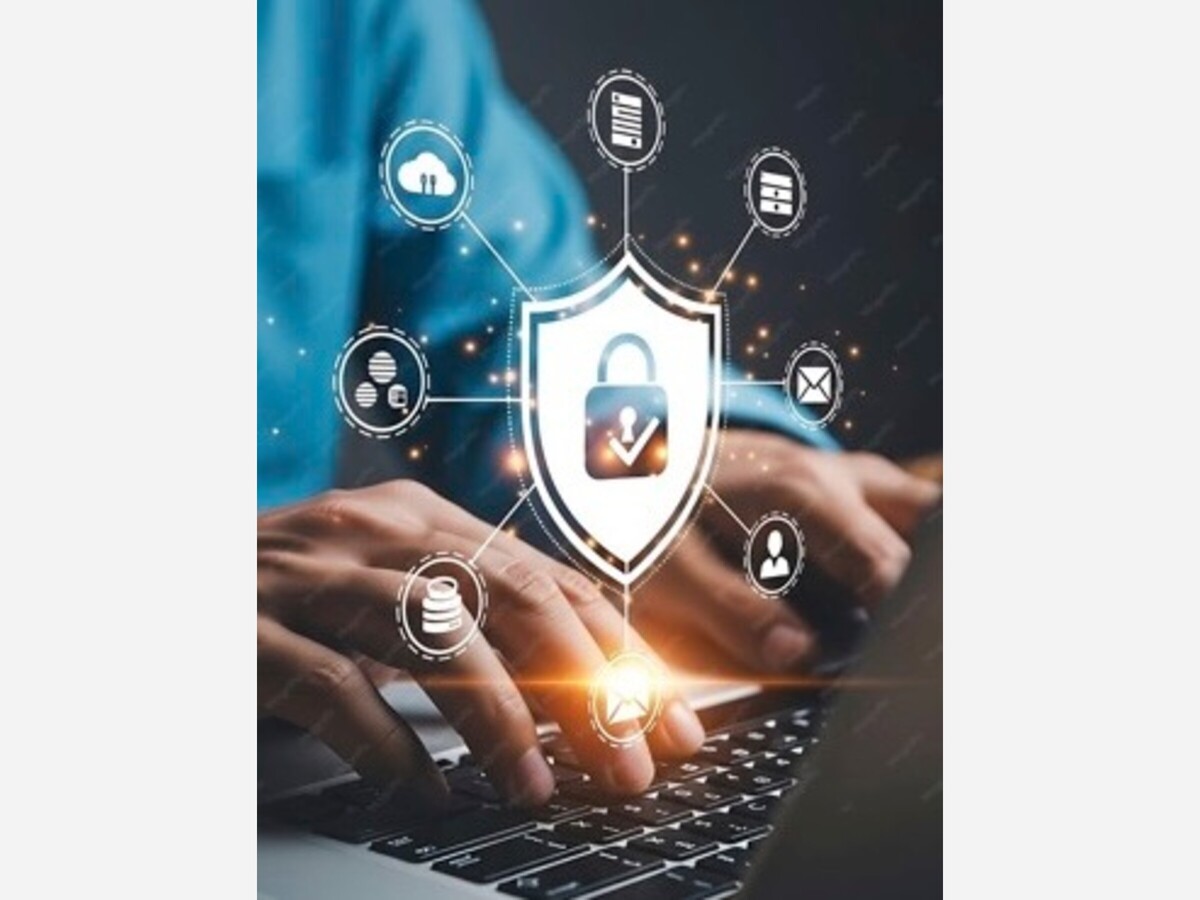
We’re back! Flu season started early but the scammers never quit, so let’s do a refresher on internet hygiene.
Remember: If it sounds too good to be true it is. Pause, ask for help, then decide.
This is where I go through my email and let you know about the shenanigans that have landed there lately.
Now, on to the internet hygiene reminders.
Password managers are applications that store, organize, and auto-fill your passwords for you. Password managers: what they are, how they work, and why you need one will explain all the features, but the three key points are:
If you’re all-Apple, the built-in Passwords app will not only manage your passwords but also sync between all your iCloud devices so that you can log into your bank from your iPhone, iPad, or Mac without having to squint at other screens.
If you’re a Windows or Linux user, or you have Android devices, Bitwarden is the best of the free password managers, and 1Password is (in my opinion) the best of the subscription model apps. They both also work on Apple devices, so they make password management easier when you’re using devices from all different companies.
I know, I know, I too grew up using the same username and password for all my accounts. But it didn’t take long for the scammers to figure out that if they figured out the password to your email and you had four email messages from banks, that they could use the same password to break into all four banks. So now we can’t have nice things. (Which is why we need password managers.)
If you have a password manager, it can generate unique random passwords much better than you can. (Humans were wired to create patterns, not randomness.)
If you don’t have a password manager, Correct Horse Battery Staple is a secure password generator based on the “Password Strength” XKCD comic.
Two more tips for passwords:
When you log into a system, your username is your identifier. In other words it’s the way you say, “Hi, I’m anne.”
The system isn’t going to believe that I’m anne just because I say I am, any more than the Ferrari dealership is going to believe that I’m George Clooney when I ask if I can go on a test drive. It’s going to want to see some ID – something that authentically proves I am anne. One of these is generally my password, since only I should have that. Back in the day, that’s all we needed.
Then a bunch of scammers started going on test drives of your bank account because they’d figured out your password was “summer01!” across all your banks, and the banks (and Congress) said “Right, that’s enough of that.”
Now, secure computer systems require you to set up a second way to authenticate yourself. In the security industry this is known as two-factor authentication or 2FA. Your first factor is probably still your password. The second one might be a code sent to your phone number on file via a text message, or a security question that you set up, or your fingerprint, face ID, or voice print.
If you can set up 2FA, do it. It does work to keep scammers out of systems, and when those systems hold your money, that’s a good thing.
Do keep in mind that many forms of 2FA these days require you to have a working cell phone where they can send a code via text message. That’s all well and good until something happens where you have to change your phone number. It can be very hard to log into your bank to change your phone number if the code is going to your old phone number. Try to ensure that all of your accounts have the option to use an email address, or a different phone number, or whatever else the company offers as a back-up plan in case that happens.
A very large number of people (and now a relatively large number of large language model AIs) are working every day to identify software bugs that thieves can hack. The Windows and Mac operating systems are updated monthly, as are Android and iPhone phones. Linux is updated at least as often. The apps that run on your computers, tablets, and phones are also updated frequently.
When you get notified that you can update your software to a new version, do it as soon as you can. Almost every update these days includes security improvements. If you can set your device up to automatically run updates while you sleep, do that!
So that’s our lineup for this month! Leave a comment if there’s a topic you’d like to see me cover in the future.
* anne m. gibson is a ux [website] designer and general troublemaker just close enough to Valley Forge, Pennsylvania, to think a wander through a revolutionary battlefield is not noteworthy. In addition to designing websites, she writes science fiction and fantasy, runs a small publication about web design, plays competitive pinball, and watches the Jack Russell terriers destroy things. anne is a current member of the Science Fiction Writer’s Association. Publicaion history and information on earlier works is available upon request.

Sunny, with a high of 61 and low of 40 degrees. Cloudy in the morning, sunny during the afternoon, clear in the evening, overcast overnight.

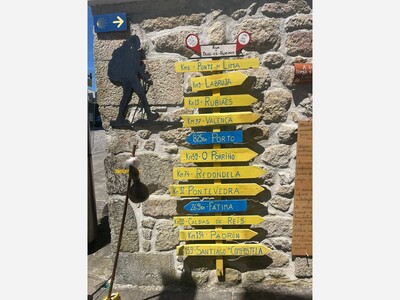

Thanks to the Strzelecki’s for sharing their journey with us. So inspiring!